
Tech the halls with Logitech Holiday
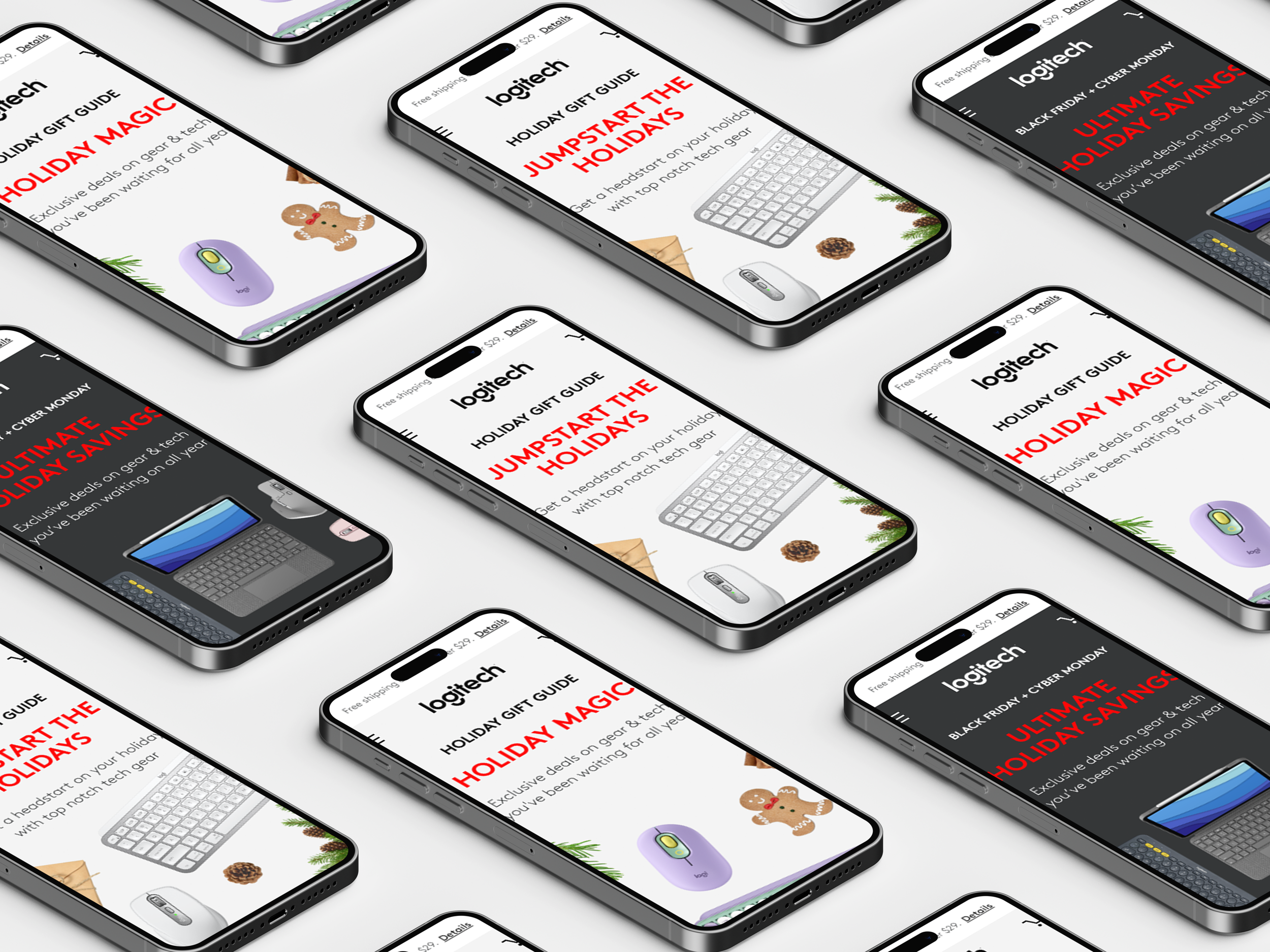
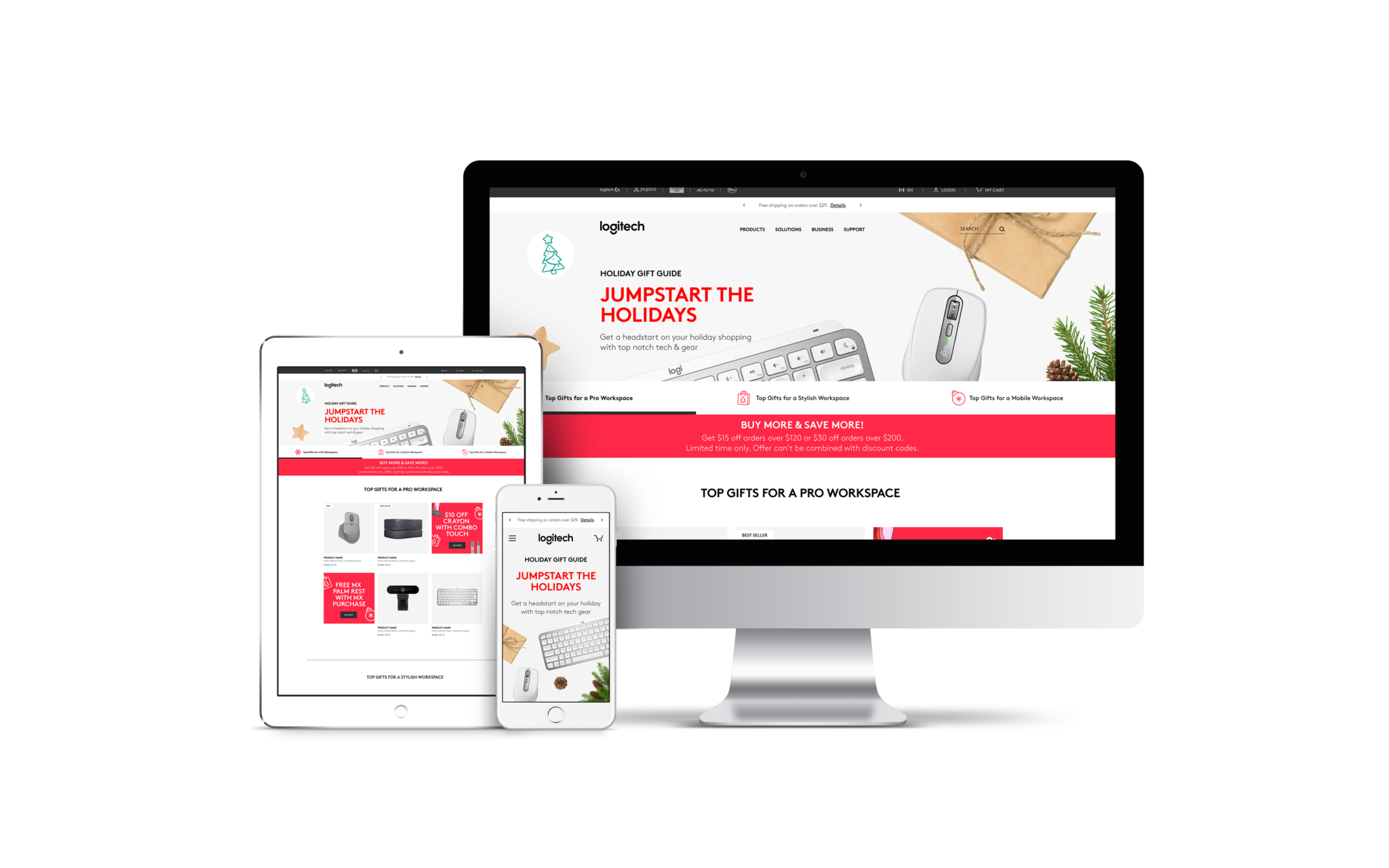
The holiday season represented one of Logitech's highest-revenue opportunities of the year. To capitalize on peak consumer demand, an annual Gift Guide was developed and deployed across marketing channels for both the Logitech and Logitech G brands, which designed to inspire discovery, drive consideration, and convert shoppers into buyers of new and upgraded products.
My Role
UX Designer
Company/Team
Logitech
Team
One UX Designer
One Project Manager
One Developer
One UX Copywriter
Tools
Figma
Adobe Creative Suite
Adobe Experience Manager
Invision
The Challenge & Background Context
Logitech's biggest sales window is the holidays. Each year, both the Logitech and Logitech G brands needed a gift guide — one page to funnel all that seasonal traffic into actual purchases.
The primary aim of this project was to inaugurate the annual gift guide for both Logitech and Logitech G, with the overarching objective of stimulating customer product purchases.
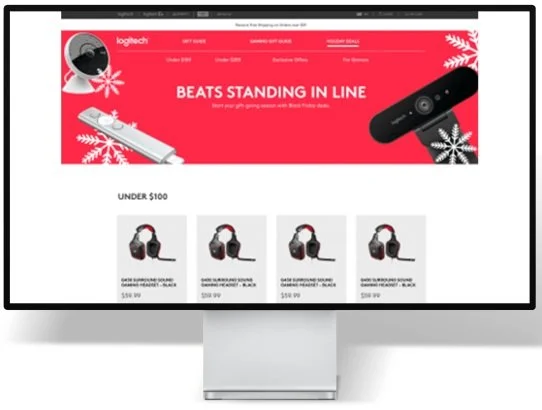
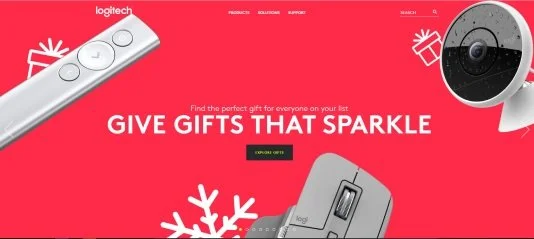
Additionally, stakeholders sought to enhance the search experience within the product collections and align the design with Logitech's newly adopted branding aesthetics, a finding from previous research.
Previous UI & assets
User Pain Points

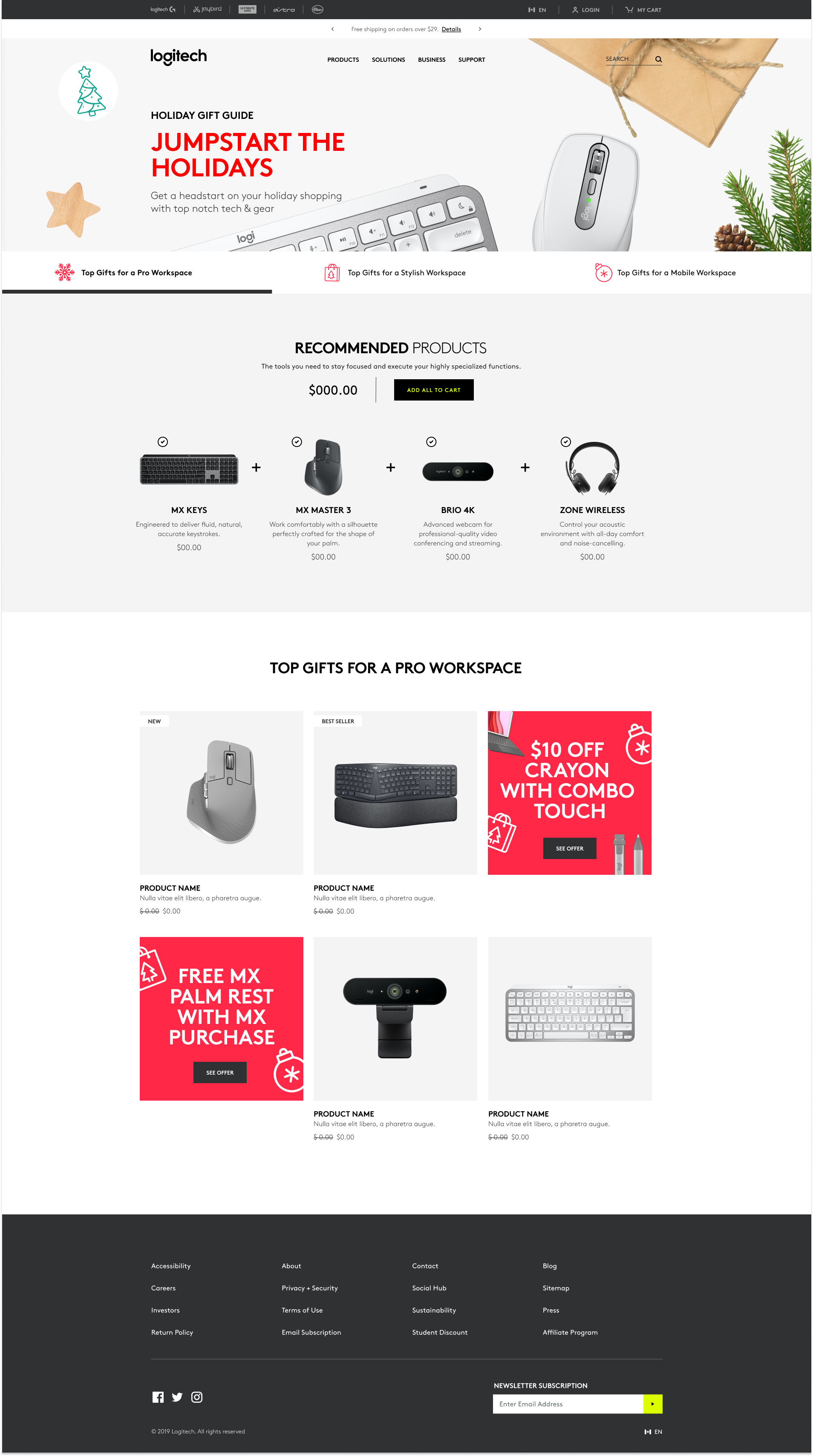
⨀ Shoppers couldn't easily move between product categories. The page had no tab navigation or anchor links. If you landed wanting to browse gaming gear and the work-from-home products were listed first, you were scrolling past things you didn't care about to get there. On mobile, that's enough friction to lose someone entirely.
⨀ The visual experience didn't match the brand shoppers already knew. Logitech had updated its brand identity, but the site hadn't caught up. For a returning customer, that mismatch creates low-level distrust — it doesn't look current, which makes the page feel less authoritative at exactly the moment you're trying to close a purchase.
⨀ The page wasn't built for how people actually shop gifts. Gift buyers don't browse everything — they have a person in mind. A gamer, a remote worker, a creative. Without clear category separation, the page forced everyone into the same generic path, regardless of who they were shopping for.

Design Solutions
What we built and why
The design centered on one core principle: reduce the effort between a user seeing the offer and acting on it. Every decision — from entry point to carousel — was made to lower friction and build trust at the moment of conversion.
⨀ Tabbed navigation over long scroll — reduces friction for shoppers who know what they want and improves discovery for those who don't.
⨀ Brought in an external agency for the campaign visuals and assets. My job was to integrate those into a coherent single-page design that held together on both mobile and desktop.
⨀ Updated visual language to match Logitech's current brand — addressed the debt from prior research findings.
Design QA and launch
I worked directly with the QA team through pre-launch. Identified bugs, documented them clearly, and stayed in the loop until fixes were confirmed. With a distributed dev team, that communication loop mattered more than usual.

Reflections & Next Steps
The page launched without any post-launch user research built into the plan. The obvious next move is to run qualitative sessions and quantitative analysis on the tabbed navigation — did shoppers actually use it the way we intended? Which collections got the most engagement? That data should feed directly into the next year's campaign. We shipped something solid, but there's no feedback loop yet.